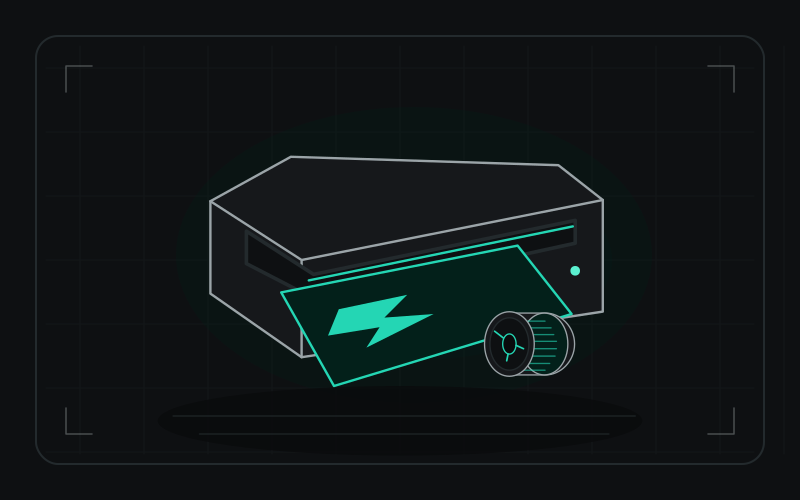
The Explore 3 is the machine that turned a million kitchen tables into sticker factories, and mat-free Smart Materials are the main reason to pick it over the older models.
The Explore 3 handles material up to 330 mm wide and up to 3.6 m in one go. Cricut says it cuts over 100 materials, though some need extra tool heads.
Our verdict: a good fit for hobby crafters making decals, labels and iron-on designs. Price in the accessories before you decide, and expect to rely on its software.
Pros
- 330 mm maximum material width
- Up to 3,600 mm cut length in one go
- Smart Materials cut without a mat, in rolls up to 22 m
- USB and Bluetooth, plus a built-in dock for a phone or tablet
Cons
- Extra tool heads cost roughly $30–50 each and the roll holder about $50 (US prices from the review)
- Standard materials still need a mat
- Some users are critical of the software and support
What the internet says
A summary of public reviews, forum threads and owner feedback we read, as of 17 November 2026. These are other people's opinions, linked at the bottom.
What people love
- Easy-to-use features for basic crafting
- Mat-free Smart Materials and quick tool-head swaps
- Beginner-friendly workshops and projects
What people complain about
- Cricut as a company scores 1.8 out of 5 on Trustpilot from 1,015 reviews, 81% of them one-star (unhappy customers are more likely to post reviews there)
- Common themes in those reviews: breakages, slow support, software updates and a lack of repairs after warranty
- Extra tool heads and accessories add up
The consensus: Hugely popular and widely criticised at once. The machine is easy to love, while the company's support and software take the heat.
See today's price for the Cricut Explore 3 on Amazon → (affiliate link)
What the reviews say
All3DP calls mat-free Smart Materials the biggest draw over earlier models, and notes the interchangeable QuickSwap tool heads, which work two at a time and stay compatible with earlier Explore and Maker heads. Its caveats were follow-on costs and some criticism of the software and support.
Our take
Heavy daily use or large signage jobs usually call for a larger commercial cutter. For decals, labels and craft work it is a sensible entry point. See our vinyl beginner essentials for the supplies.
Who it isn't for
- Anyone cutting wide-format vinyl or running a high-volume sign business
Specifications
| Maximum material width | 330 mm |
|---|---|
| Maximum cut length | 3,600 mm |
| Connectivity | USB, Bluetooth |
| Materials | 100+ (some need extra tool heads) |
Manufacturer figures. We have not bench-tested these.
Alternatives
- Silhouette Cameo 5stronger cutting force and different software
Questions
Do I need a subscription?
Check Cricut's current terms. Some design content and features may require one.
Can you order custom vinyl decals instead?
Yes. We make custom decals in Logan. <a href="/vinyl-decals/">See vinyl decals</a>.
What we read
This is a research review. We have not tested the product ourselves. Our opinions are based on these sources: